


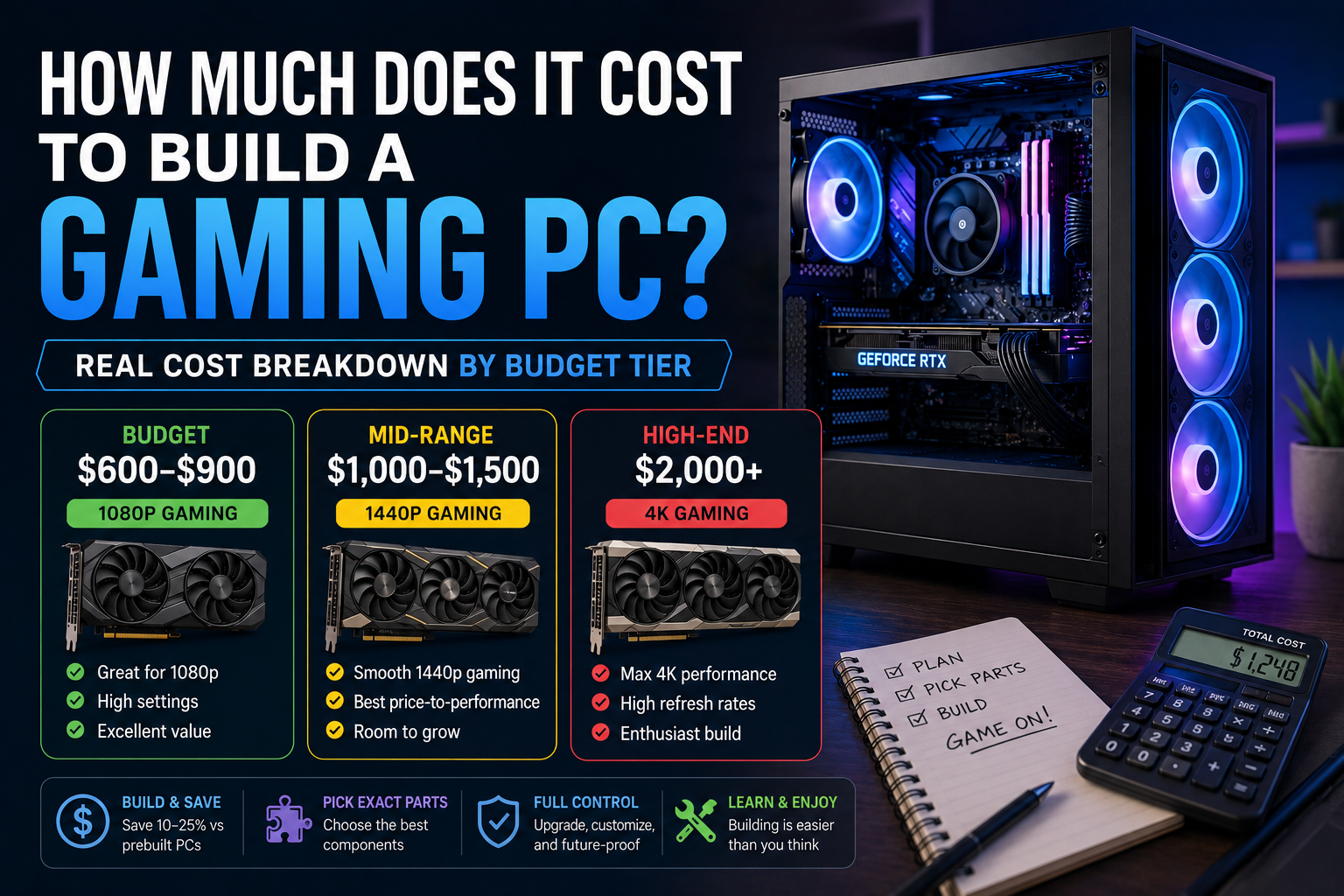
Quick answer: A gaming PC typically costs between $600 and $2,500+ to build, depending on performance level. A budget 1080p build runs roughly $600-$900, a solid 1440p mid-range build lands around $1,000-$1,500, and a high-end 4K build starts around $2,000 and climbs from there depending on GPU choice.
There’s no single answer to “how much does a gaming PC cost,” because it depends entirely on what performance level you’re targeting. Below is a realistic breakdown by budget tier, based on current component pricing, plus how building compares to buying prebuilt.
Budget Tier: ~$600-$900 (1080p Gaming)
Good for smooth 1080p gaming at high settings in most titles.
| Component | Estimated Cost |
|---|---|
| CPU | $120-$180 |
| Motherboard | $80-$120 |
| GPU | $200-$300 |
| RAM (16GB) | $40-$60 |
| Storage (1TB NVMe SSD) | $50-$70 |
| PSU | $50-$70 |
| Case | $40-$70 |
| CPU Cooler | Often included with CPU |
| Total | ~$580-$870 |
Mid-Range Tier: ~$1,000-$1,500 (1440p Gaming)
The sweet spot for most gamers — strong 1440p performance and enough headroom to stay relevant for several years.
| Component | Estimated Cost |
|---|---|
| CPU | $200-$300 |
| Motherboard | $120-$180 |
| GPU | $400-$600 |
| RAM (32GB) | $70-$100 |
| Storage (1-2TB NVMe SSD) | $70-$120 |
| PSU | $80-$110 |
| Case | $60-$100 |
| CPU Cooler | $30-$60 |
| Total | ~$1,030-$1,570 |
High-End Tier: $2,000+ (4K Gaming)
For maxed-out 4K gaming or high-refresh-rate competitive play at the top end.
| Component | Estimated Cost |
|---|---|
| CPU | $350-$500+ |
| Motherboard | $200-$350 |
| GPU | $900-$1,600+ |
| RAM (32-64GB) | $100-$180 |
| Storage (2TB+ NVMe SSD) | $130-$200 |
| PSU | $120-$180 |
| Case | $100-$180 |
| CPU Cooler | $60-$150 |
| Total | ~$1,960-$3,340+ |
The GPU is by far the biggest cost swing at the high end — it alone can be more expensive than an entire budget-tier build.
Is It Cheaper to Build Than Buy Prebuilt?
Generally, yes — building your own PC typically saves 10-25% compared to a prebuilt system with equivalent specs, since you’re not paying for assembly labor, retailer markup, or bundled software you may not need. The gap is usually smaller at the very low end (some budget prebuilts are sold near cost to drive traffic) and largest in the mid-to-high range, where markup tends to be steepest.
That said, building isn’t automatically the better choice for everyone:
- Building saves money and lets you pick exact components — but requires your own time and troubleshooting if something goes wrong
- Buying prebuilt costs more but includes warranty coverage on the whole system and no assembly required — worth it if you’d rather not deal with compatibility research or physical assembly
What Actually Drives the Cost Up or Down
- GPU choice is the single biggest cost lever — it can range from under $200 to over $1,500
- RAM capacity (16GB vs 32GB vs 64GB) has a moderate but real impact
- Storage — going from 500GB to 2TB adds a noticeable but not huge amount
- Case and cooling aesthetics (RGB, tempered glass, liquid cooling) add cost without improving performance — purely a style choice
- Monitor, keyboard, and mouse are not included in the totals above — factor in another $150-$500+ depending on what you already own
Frequently Asked Questions
How much does it cost to build a good gaming PC? A good, well-rounded gaming PC for 1440p gaming typically costs $1,000-$1,500. This range balances strong performance with reasonable value, avoiding the steep price jump that comes with top-tier 4K components.
Is it cheaper to build a gaming PC than buy one? Yes, in most cases. Building typically costs 10-25% less than an equivalent prebuilt system, since you avoid assembly labor and retailer markup.
What’s the cheapest way to build a gaming PC? A budget build targeting 1080p gaming can be assembled for around $600-$700 by prioritizing the GPU and CPU while choosing a basic case, PSU, and 16GB of RAM.
How much does it cost to build a PC for gaming at 4K? A capable 4K gaming PC typically starts around $2,000 and can exceed $3,000 depending on GPU choice, since 4K performance depends heavily on high-end graphics cards.
Ready to actually put a build together? Our complete step-by-step guide to building a gaming PC walks through assembly from start to finish. For real-time pricing on specific parts, PCPartPicker tracks current prices across major retailers.
